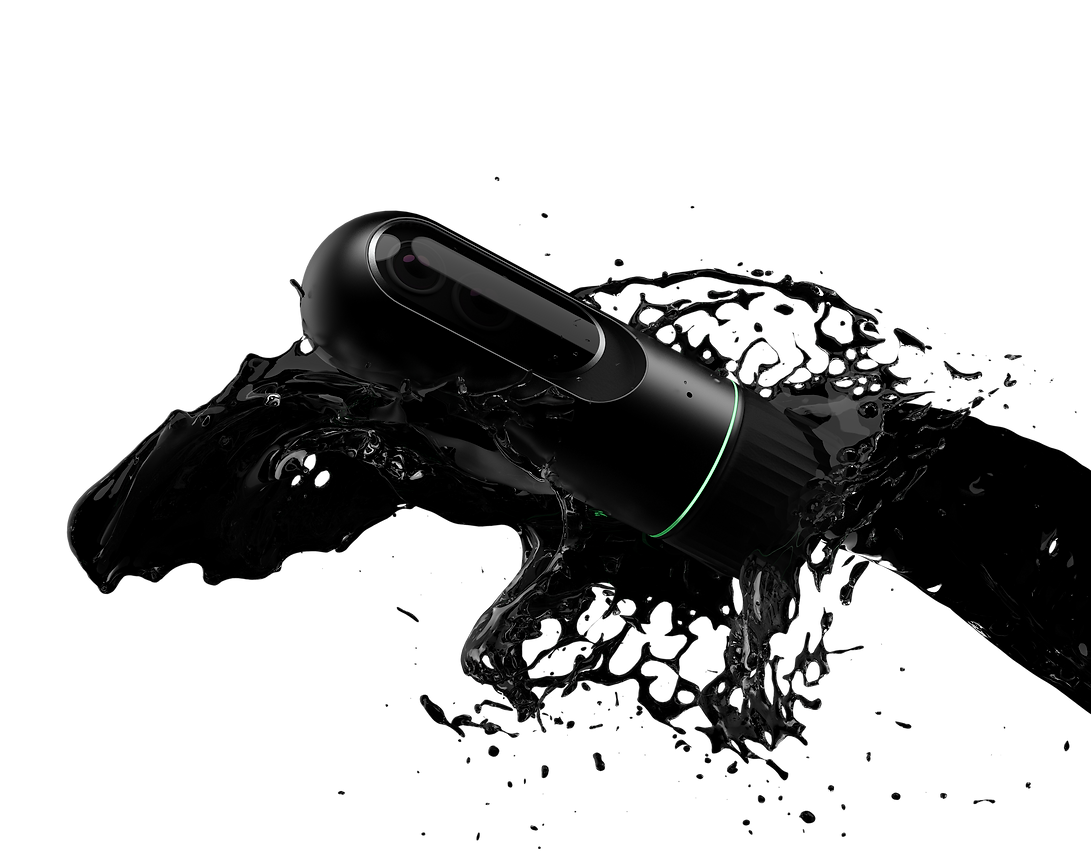
A Camera for Recording and Analyzing sports and workout activities
ProTrain

ProTrain
-
ProTrain is a camera designed for capturing and analyzing sports and workout sessions, It uses LiDAR and Human pose recognition for Live tracking of the user's movement and generating 3D key points and Skeleton, LiDAR Sensor is used for calculating depth information for more accurate results. ProTrain helps the user by giving posture correction and partial movement warnings during live workout sessions from other third-party fitness platforms like Nike Training Club.
The global covid-19 pandemic has resulted in a big boom in exercise across the globe in 2020 with home workouts recording the highest growth but there are few problems related to work-out at home such as not paying attention to whether you have the right form, Form matters a lot, especially when doing any strength training exercise. Incorrect form or technique can result in potential injuries, pain, and soreness also performing a partial movement is another problem as no one is going to correct the person for their partial movement and wrong form
Amature athletes do not have access to all high-end sports video analysis equipment because of the high price of the equipment along with the complicated analysis system. posture plays a vital role in sports training if a sportsperson is training with the improper form he/she might not be able to perform to their best potential along with chances of getting injured.


Training
SPORTS
Fitness
Video Analysis
Posture
Form
Post Training
Live
Partial Movement
Ideation


Sports
Fitness


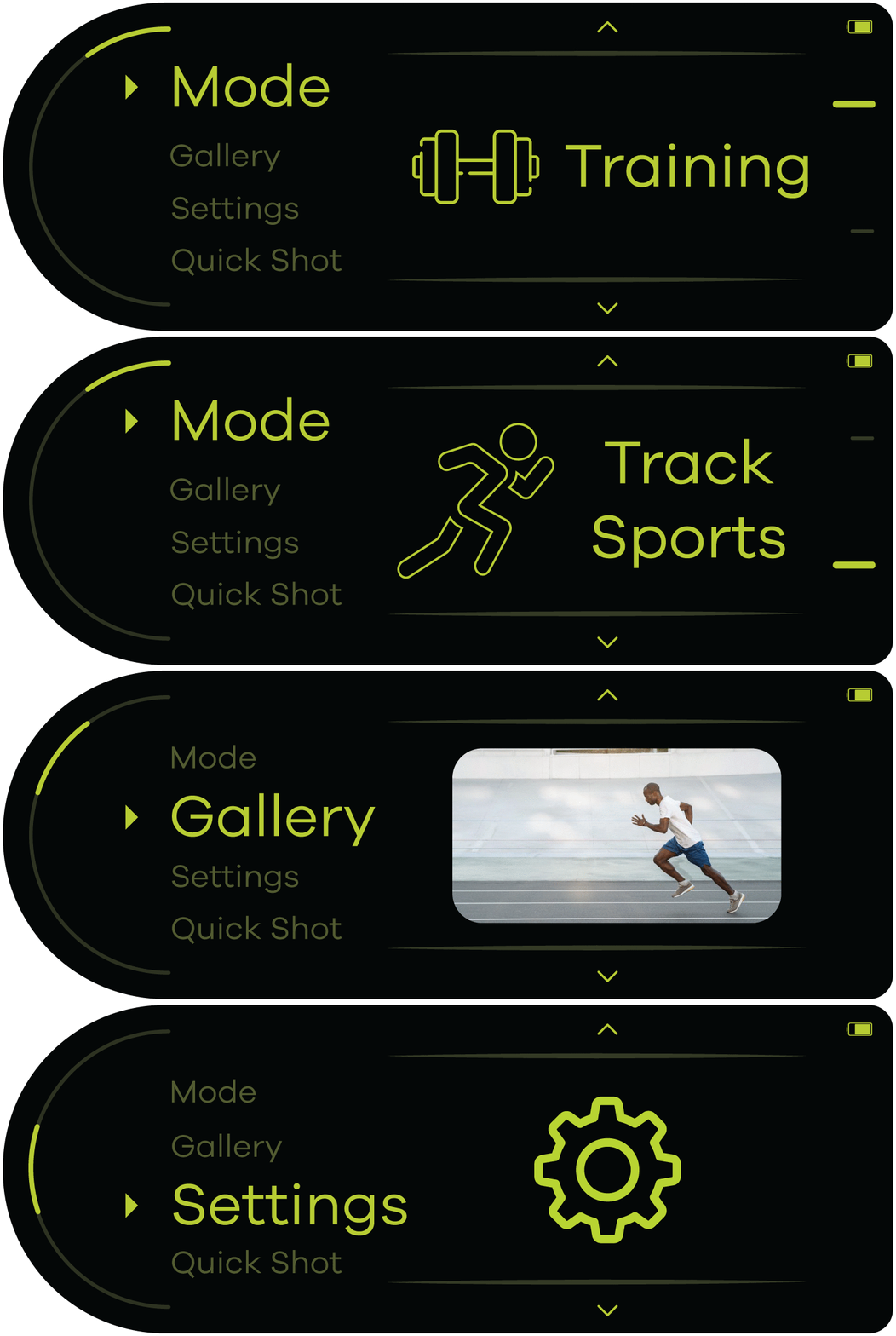
User has to select mode first where if he/she selects fitness training camera turns on with live pose estimation and posture detection, also it can be integrated with training apps like NTC etc.
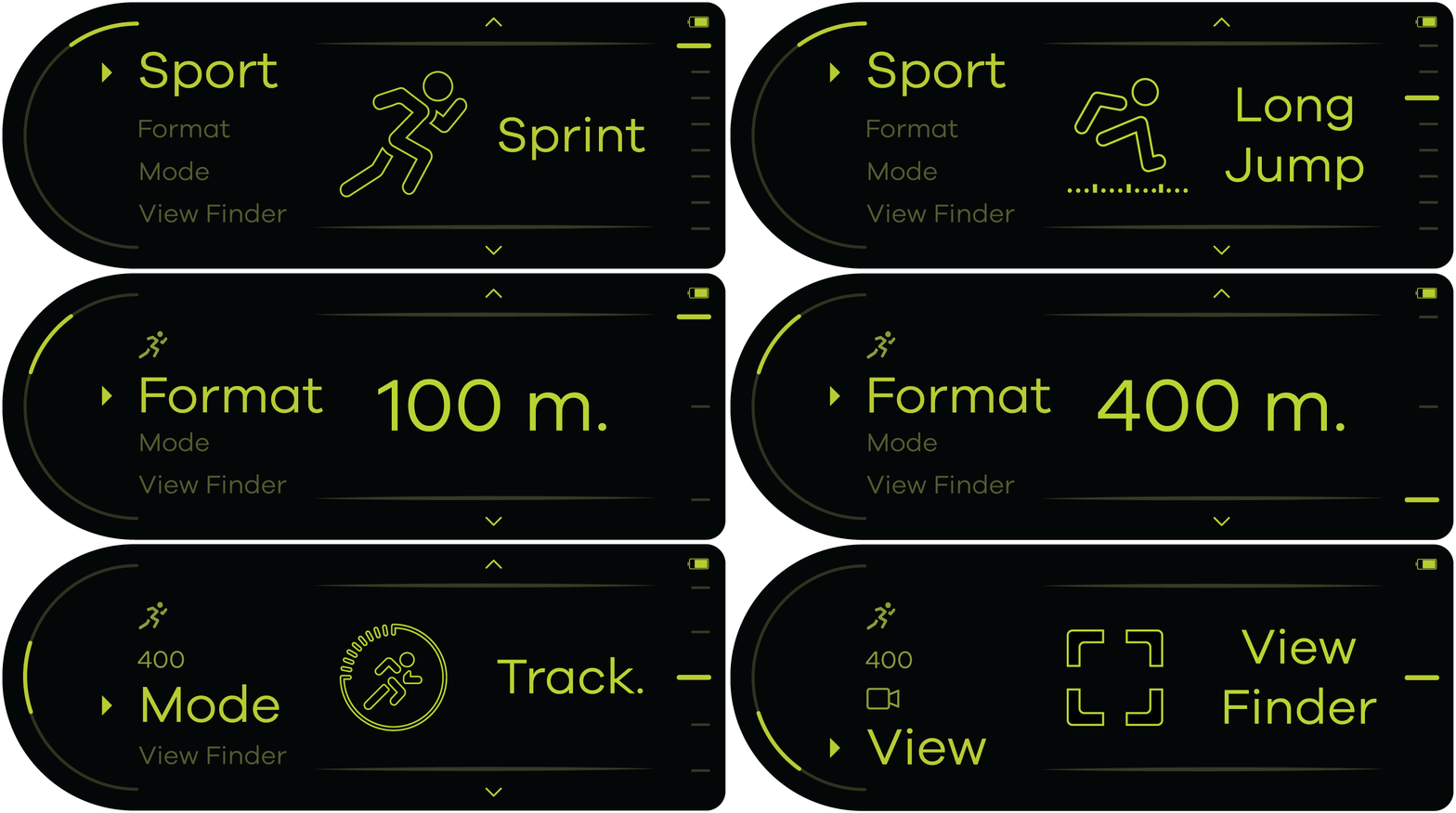
User has to select mode first where if he/she selects fitness training camera turns on with live pose estimation and posture detection, also it can be integrated with training apps like NTC etc.
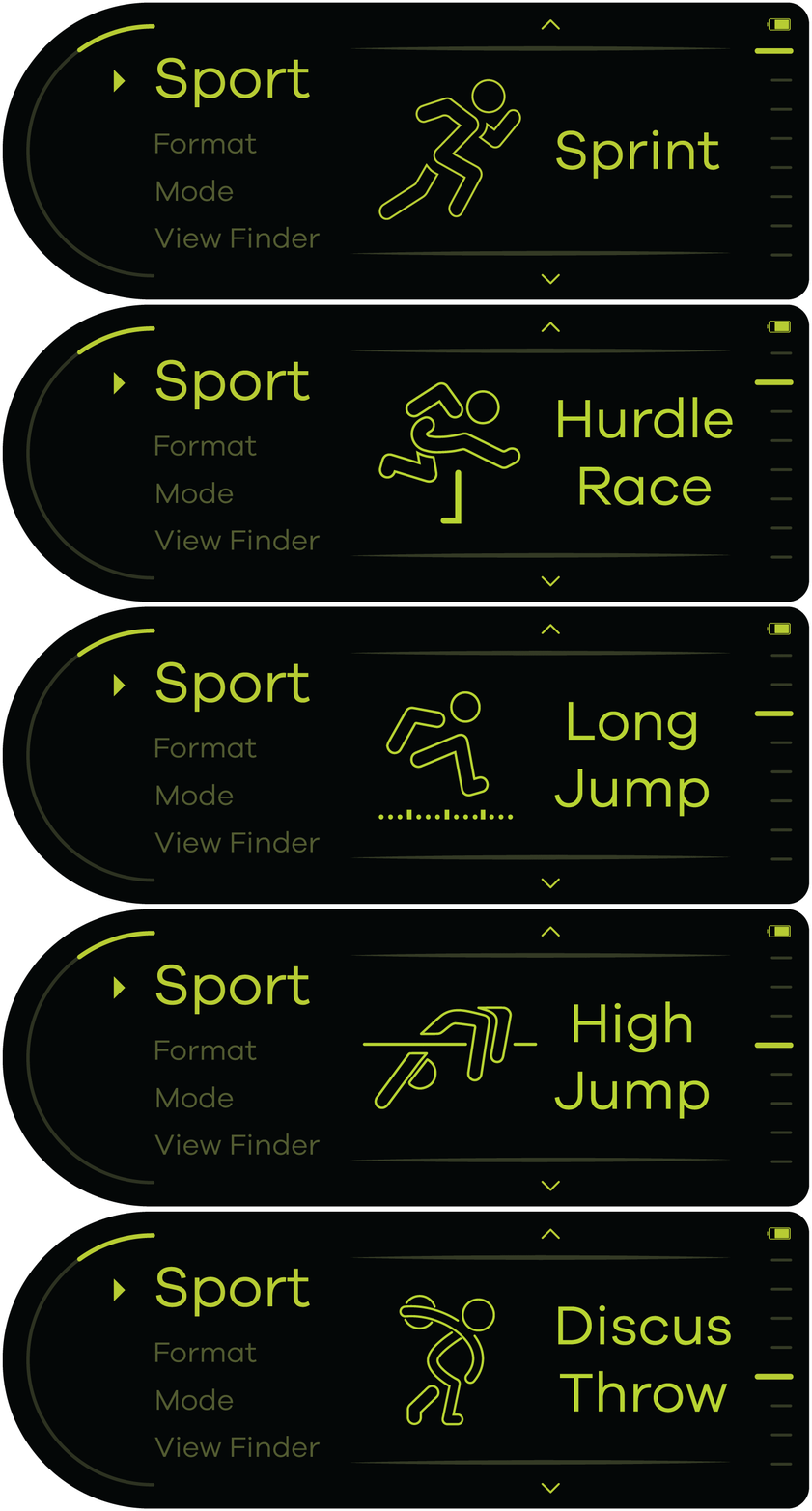
once the user selects a sport, the text in the main menu gets replaced by the icon of the selected sport and main menu automatically switches to next menu but if the user wants to change something from previous menus they can rotate the left knob too go through the main menu and right to select different sub-menus
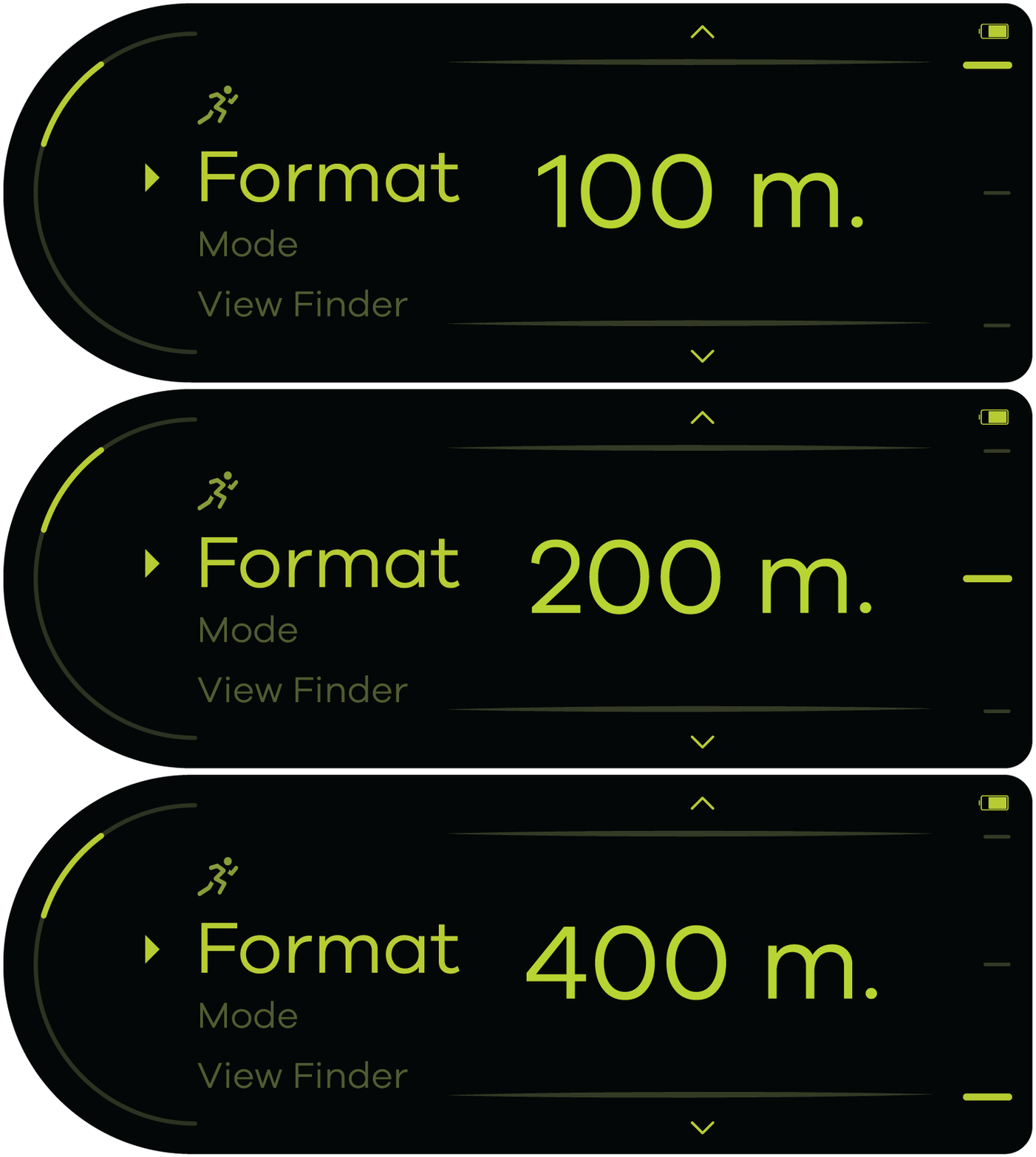
Giving information through multiple sensory systems like visual (400) and sound (400 m format selected). when entered into the viewfinder for recording the secondary menu will be replaced by zooming action
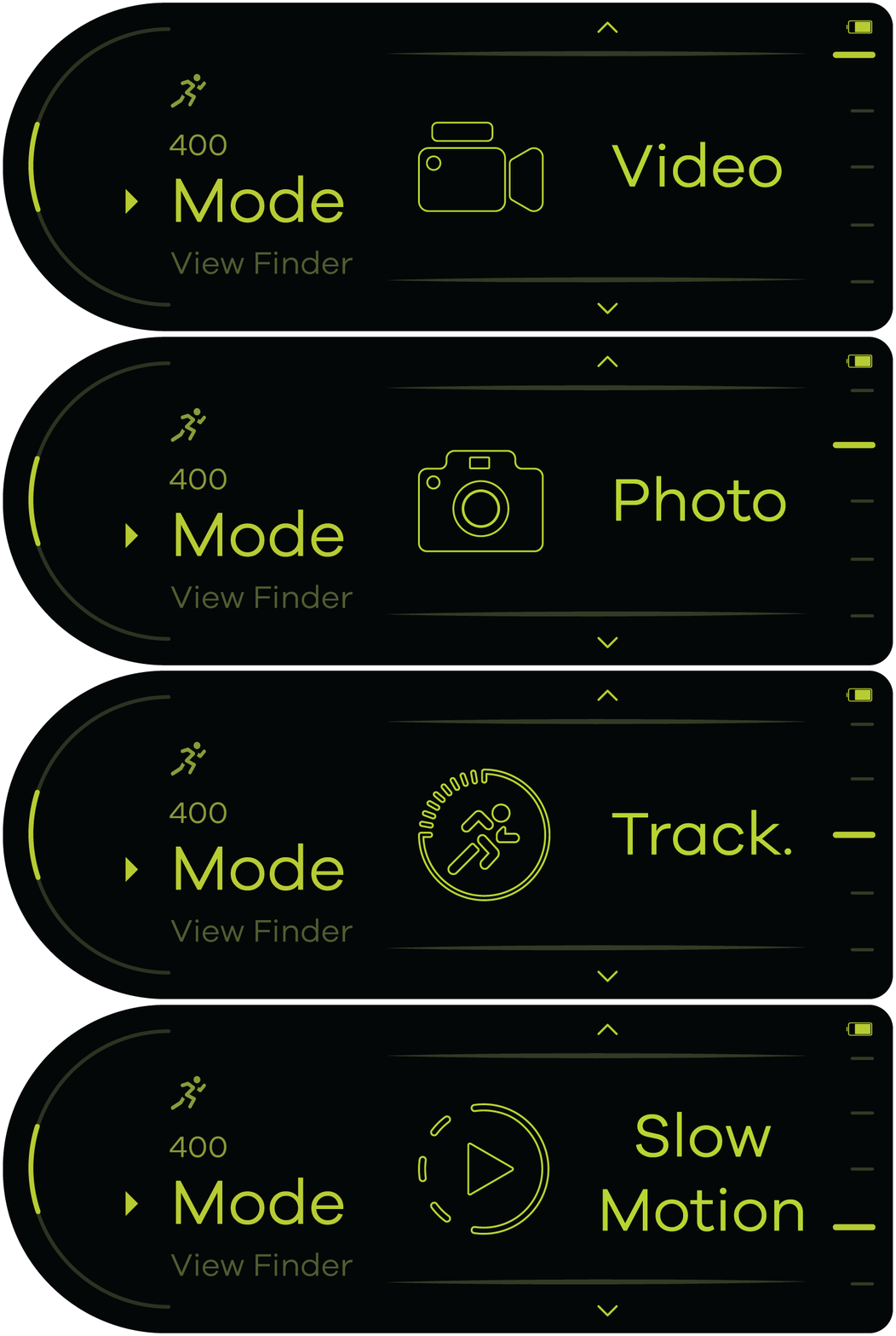
When docked the display of the camera unit is constrained main and secondary menus only, also when video or picture is selected for analysis the top centre of the display shows the settings chosen at the time of recording the video for users information.
Scroll and Select

Press to Select

Rotate to change
Scroll through Primary and secondary menu and select using the button.
Camera Modules
Replaceable camera modules allow the user to choose between wide-angle and Standard lens based on his specific requirements. Each module has a LiDAR unit in it which is used to capture depth information.


Standard Module
Wide-Angle Module


Modular Camera Unit